Home Automation Systems: Benefits, Costs, and Installation Guide
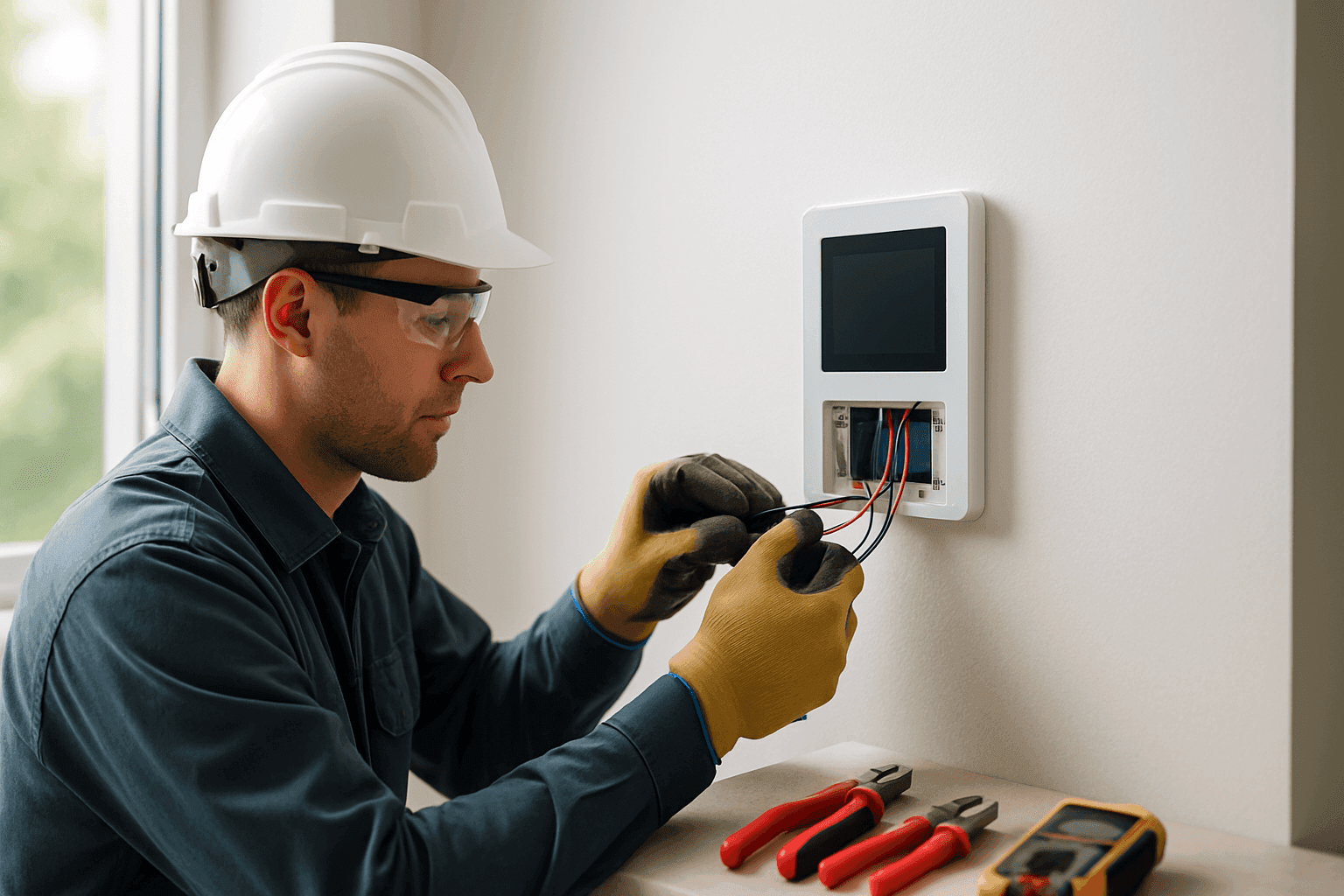
Feeling like your home could be smarter, safer, or just plain easier to run? You’re not alone. More homeowners and businesses are turning to automation for comfort, efficiency, and peace of mind.
But where do you start? What should you expect? At Douglas Electric, we cut through the guesswork so you get real answers—no tech-speak, just practical guidance from a certified emergency electrician with years of hands-on experience.
What Is Home Automation? 🤖
Imagine your home responding to your needs before you even ask. Lights that come on when you walk in. Climate control that adjusts itself. Locks, alarms, and cameras you can check from anywhere, even if you’re halfway around the world.
That’s home automation in a nutshell: connecting your home’s electrical systems, appliances, and gadgets so you can control them easily—sometimes with a tap, a voice command, or even automatically.
Common Home Automation Systems:
- Lighting controls (smart bulbs, dimmers, occupancy sensors)
- Thermostats (learning climate preferences, remote access)
- Security (cameras, alarms, smart locks)
- Appliances (ovens, washers, even coffee makers)
- Audio/video (multi-room sound, smart TVs)
- Energy management (solar integration, load balancing)
- Outdoor systems (pool controls, automated sprinklers)
- EV chargers (schedule charging, monitor energy use)
- Smoke and carbon monoxide detectors (alerts, remote monitoring)
Some systems are as simple as plug-and-play. Others need skilled wiring, integration, and safety checks. That’s where a Residential Services electrician near you steps in.
Key Benefits for Homeowners
Why do so many people invest in home automation? Think of it as a Swiss Army knife for your home—handy, versatile, and always ready.
1. Convenience
- Control everything from your phone, tablet, or voice.
- Automate routines—wake up to lights, music, and your favorite coffee already brewed.
- No more running around switching things off before bed.
2. Security
- Smart locks let you check or secure doors remotely.
- Cameras and alarms send real-time alerts to your device.
- Integration with emergency electrician services for rapid response.
3. Energy Savings
- Motion sensors turn lights off in empty rooms.
- Smart thermostats learn your habits and trim your utility bills.
- Monitor usage and spot energy-wasting devices.
4. Accessibility
- Hands-free controls help seniors or anyone with mobility challenges.
- Automated lighting and alarms improve safety for everyone.
5. Future-Proofing
- Expand easily as new technology comes along.
- Many systems are modular, so your investment grows with your needs.
Typical Costs and ROI
Home automation isn’t one-size-fits-all. Some folks want a simple smart thermostat; others dream of a fully integrated mansion. Here’s what influences cost—and what you get in return.
Upfront Investment
- Entry-level: A few hundred dollars for basic lighting or thermostat control.
- Mid-range: $1,500–$5,000 for security, lighting, and climate automation.
- High-end: $10,000+ for whole-home systems, multi-room audio, and advanced integration.
Ongoing Costs
- Occasional software upgrades or cloud service fees.
- Maintenance—most components are low-maintenance, but regular checks keep things running smoothly.
Return on Investment
- Energy savings: According to the U.S. Department of Energy, programmable thermostats and smart lighting can cut energy bills by 10–30%.
- Insurance discounts: Some insurers offer lower premiums for homes with monitored alarms and automation.
- Resale value: Smart homes are in demand, especially with younger buyers.
Professional Installation Process
Wiring a smart home is like weaving new threads into an old tapestry. Precision matters. Safety, too. Here’s how a certified electrician from Douglas Electric makes it happen:
Step 1: Assessment
- Inspect your existing wiring, panels, and breakers.
- Identify which automation systems fit your needs—no overkill, just what works for you.
- Check for code compliance (referencing NEC and local safety guidelines).
Step 2: Planning & Design
- Map out device locations, network requirements, and integration points.
- Plan for future upgrades—leave space and capacity for tomorrow’s tech.
Step 3: Installation
- Safely connect new devices, wiring, and control hubs.
- Integrate with your home’s electrical panel and circuits.
- Test each system for reliability and safety.
Step 4: Training & Handover
- Show you how to use your new system, set up routines, and troubleshoot.
- Provide maintenance tips and code-compliant advice.
Pro tip: Always use a certified emergency electrician for installations—faulty wiring or amateur shortcuts can put your safety, investment, and insurance at risk.
Why a Certified Electrician Is Essential
Think of your home’s wiring like the veins and arteries in your body. Tampering with them without proper training? Risky business.
A certified professional brings:
- Knowledge of local building codes and safety standards (NEC, NFPA, state codes).
- Experience integrating new tech with old systems—no surprises, no guesswork.
- Peace of mind—your home is protected from shorts, overloads, and fire hazards.
DIY kits might promise a quick fix, but when it comes to the backbone of your home, trust matters. Safe, reliable wiring isn’t just a feature—it’s a necessity.
Choosing the Right System for Your Needs
Not every home needs a control center out of a science fiction movie. Here’s how to match systems to your space:
For Apartments & Small Homes
- Smart plugs and bulbs (easy to move when you do).
- Wi-Fi thermostats.
- Basic security packages.
For Larger Homes
- Whole-home lighting controls.
- Climate zoning.
- Integrated audio/video and security.
For Businesses
- Scheduled lighting and HVAC.
- Access control and surveillance.
- Networked power monitoring.
Consider:
- Internet reliability—most systems depend on Wi-Fi.
- Family needs—kids, seniors, pets.
- Expansion—choose systems that play well with others.
Integration with Existing Wiring
Retrofitting automation isn’t always plug-and-play. Older homes may need:
- Upgraded panels or circuits.
- Additional low-voltage wiring.
- Careful routing to avoid wall demolition.
A professional electrician ensures everything fits—no spaghetti wiring, no fire hazards.
Future-Proofing Your Smart Home
Technology moves fast. The best home automation plans leave room to grow:
- Choose open systems that support new devices.
- Ensure your panels and circuits can handle added loads.
- Plan for upgrades—like EV chargers or solar panels—down the road.
Your investment should last, not become obsolete in a year.
Practical Tips for Homeowners
- Label everything. It makes troubleshooting a breeze.
- Schedule regular safety checks (at least annually).
- Keep manuals and app logins handy.
- Update software to patch security holes.
- Back up your settings before making big changes.
When to Call an Emergency Electrician
- Burning smells, sparks, or tripped breakers after installation.
- Unresponsive systems—especially if crucial to security or safety.
- Power loss to major appliances or outlets.
When in doubt, don’t risk it. Electrical emergencies can escalate fast. Douglas Electric offers 24/7 Residential Services near you—always one call away.
Frequently Asked Questions
How much disruption should I expect during installation?
Minimal, in most cases. Most installations are done in a day or two. Larger retrofits may take longer, but a good electrician will keep the mess and downtime to a minimum.
Can I add more devices later?
Absolutely. Most systems are modular—add smart lights, sensors, or speakers as your needs change.
Are these systems secure from hackers?
Security is built in, but you play a part. Use strong passwords, keep software updated, and follow manufacturer guidelines. A professional installer will set up your network for safety.
Will automation work if the internet goes down?
Most basic functions (like lights or local alarms) work fine. Remote controls and notifications may be delayed until service returns.
Local and Seasonal Considerations
In some areas, weather can impact installation—cold snaps, wet basements, or sweltering attics can slow work. Seasonal surges (like storm season) may also drive up demand for emergency electrician services.
If you’re considering pool, spa, or outdoor automation, time your project for fair weather. And always check local codes—some regions have specific rules about outdoor electrical work and automation.
Ready to Make Your Home Smarter?
Home automation is more than a gadget—it's a way to live safer, simpler, and more energy-efficiently. With Douglas Electric, you get thoughtful installation from a certified emergency electrician, tailored exactly to your needs.
Call Douglas Electric now — or reach us anytime at 877-748-7077 .